There's a meaningful difference between a login that never succeeds and a connection that works fine, then drops partway through watching something. Both can feel like "it's disconnecting," but they point to different causes and different fixes. This guide is specifically about the second case — a session that starts successfully and then stops, logs you out, or has to be reconnected.
Disconnecting Before Playback vs. During Playback
Before working through causes, it's worth being precise about which situation you're actually in:
- Fails before you ever connect. The login screen shows an error, or nothing loads at all, from the start. That's an authentication or entry problem — see how to add Xtream Codes to a player for field-entry mistakes and login-specific checks, since the causes there are different from what this guide covers.
- Connects and plays fine, then stops. Channels load, playback starts normally, and at some point — a few minutes in, after an hour, or at no obvious pattern — it stops, shows a login screen again, or the app reports you're no longer connected.
This guide is about the second case. If you're genuinely unsure which one applies, the simplest test is whether you ever get past the login/connection step successfully. If you do, even once, you're dealing with a mid-session disconnect, not a login failure.
Device and Simultaneous-Session Limits
Some services place a limit on how many devices or streams can be active on one account at the same time. Where that limit exists and is reached, a newly connecting device can cause an already-active session elsewhere to be disconnected, or a session can be cut off if the account is used in a way that exceeds what it's set up for.
Whether your specific account has a limit like this, and what it is, is something only your provider can confirm — it varies by account and by provider, and this guide can't tell you a specific number that applies to you. If your disconnects reliably happen around the same time you or someone else on the same account starts watching on another device, that's a pattern worth checking with your provider directly rather than assuming.
Wi-Fi Drops and Network Reconnection
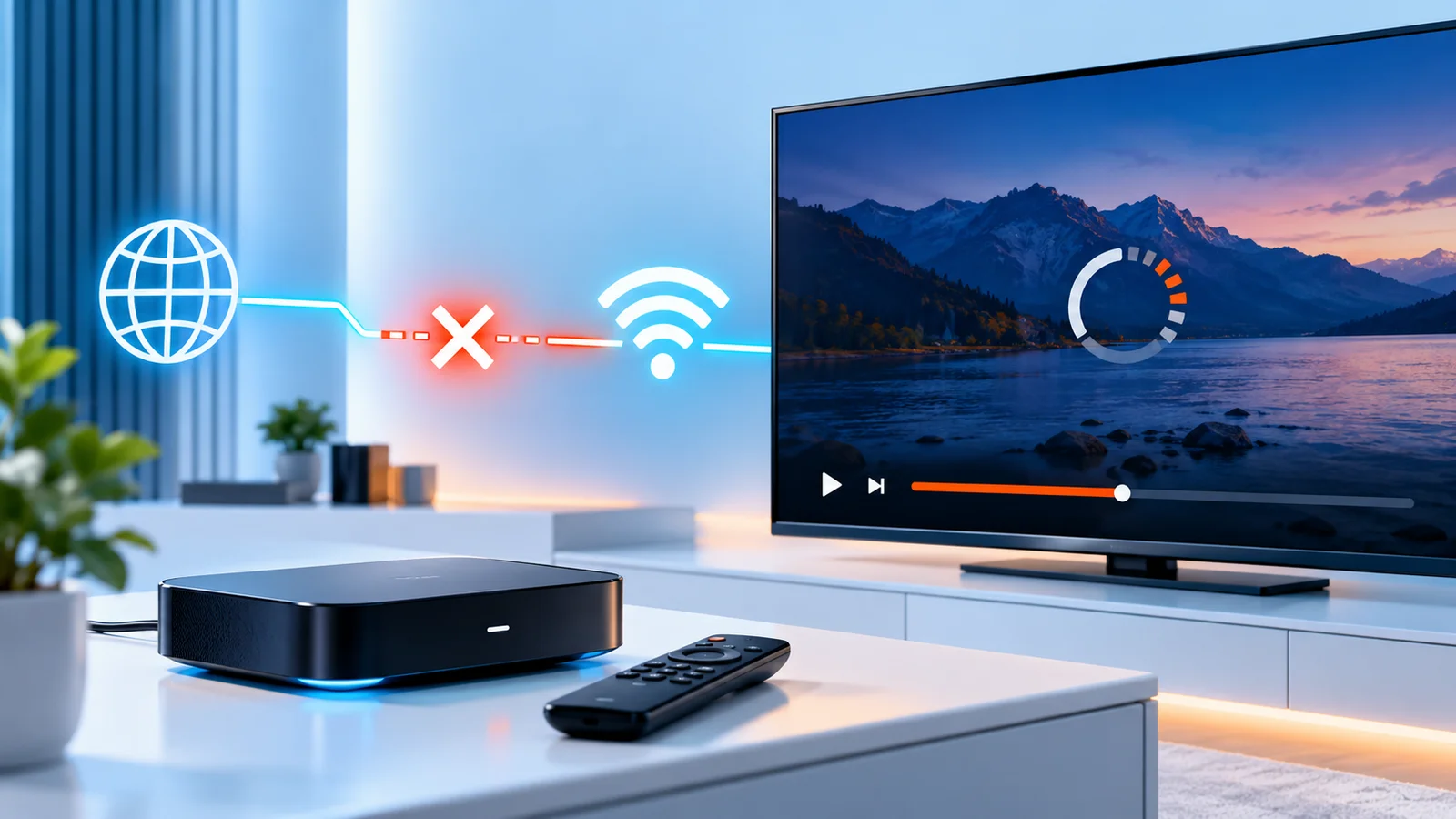
A local network interruption can look identical to a service-side disconnect from the player's point of view — the stream stops, and sometimes the app shows a login or error screen even though the actual cause was your own connection dropping for a moment.
- Wi-Fi signal strength. A weak or inconsistent signal is more likely to drop briefly under normal household conditions (another device joining the network, a microwave running nearby, simple distance from the router) than a wired connection is.
- Router reconnects. Some routers periodically renew their connection to your ISP, which can cause a brief, full network interruption on every device at once. If disconnects happen to other devices on the network at the same time, this is worth considering.
- A wired connection, where your device supports it, removes Wi-Fi-specific variables from the comparison entirely, which makes it a useful test even if you don't plan to use it permanently.
App Suspension and Device Power Settings
On many devices, an app running in the background — or a screen that's been left idle — can be put to sleep or have its network activity restricted by the operating system itself, independent of anything the streaming service or your network is doing. When you return to the app, it can appear disconnected even though nothing actually failed on the service side.
- Check whether your device has a battery-saving or background-app-restriction setting that might be affecting the player, and whether excluding it (where your device allows that) changes the pattern.
- Note whether disconnects happen only after the device has been idle or the app has been in the background for a while, versus happening during active, continuous viewing. That distinction points toward device power/background behavior rather than a network or account issue.
Exact settings and menu names vary by device and operating system, so check your specific device's current settings rather than assuming a universal path.
Session Expiry, Server Restarts, or Service Outages
Some disconnects originate on the service's side rather than your device or network — a scheduled restart, a temporary outage, or a session that the server itself ends after a period of time. None of these are things you can observe or confirm directly from your own device; they're inferred only when everything on your end checks out and the problem still happens, especially if it affects more than one device or network at the same time.
Avoid assuming a server-side cause (or account suspension, or account sharing) without evidence — jumping to that conclusion skips past the more common, more easily checked local causes above, and only your provider can actually confirm what happened on their end.
A Step-by-Step Diagnostic Checklist
- Confirm this is a mid-session disconnect, not a login failure (see the first section above).
- Note the timing pattern. Same time every day, a fixed duration after starting, or no pattern at all — each points in a different direction.
- Check whether it happens on more than one device. If only one device disconnects while others on the same account stay connected, the cause is more likely that device or its network connection, not the account or the service.
- Test on a different network, such as mobile data if your device supports it, to rule out your home network specifically.
- Check your device's power-saving and background-app settings, especially if disconnects correlate with idle time rather than active viewing.
- Try a wired connection if Wi-Fi stability is a plausible factor and your device supports it.
- If disconnects correlate with another device joining the same account, that points toward a session or device limit — confirm with your provider rather than guessing at a number.
When to Contact Support
Contact your provider when you've worked through the checks above and the pattern still isn't explained by your device, network, or power settings — particularly if it affects multiple devices or networks, or if you suspect a session/device limit is involved. Describe the exact pattern you've observed (timing, whether it's one device or several, what you've already ruled out) rather than just "it keeps disconnecting," since that specific pattern is what actually helps a provider diagnose it. Only your provider can confirm anything happening on the server or account side — this guide can help you rule out what's on your end, but it can't see your account or their infrastructure.
Summary
A login that never succeeds and a session that disconnects after working fine are different problems with different causes. For a session that drops mid-use, work through device/session limits, local network stability, device power-saving behavior, and — only once those are ruled out — the possibility of something on the service's side. A clear, consistent pattern (timing, number of devices affected, what you've already tried) is the most useful thing you can bring to your provider if the problem persists.