Setup Guides Articles
Step-by-step setup instructions by device and platform.
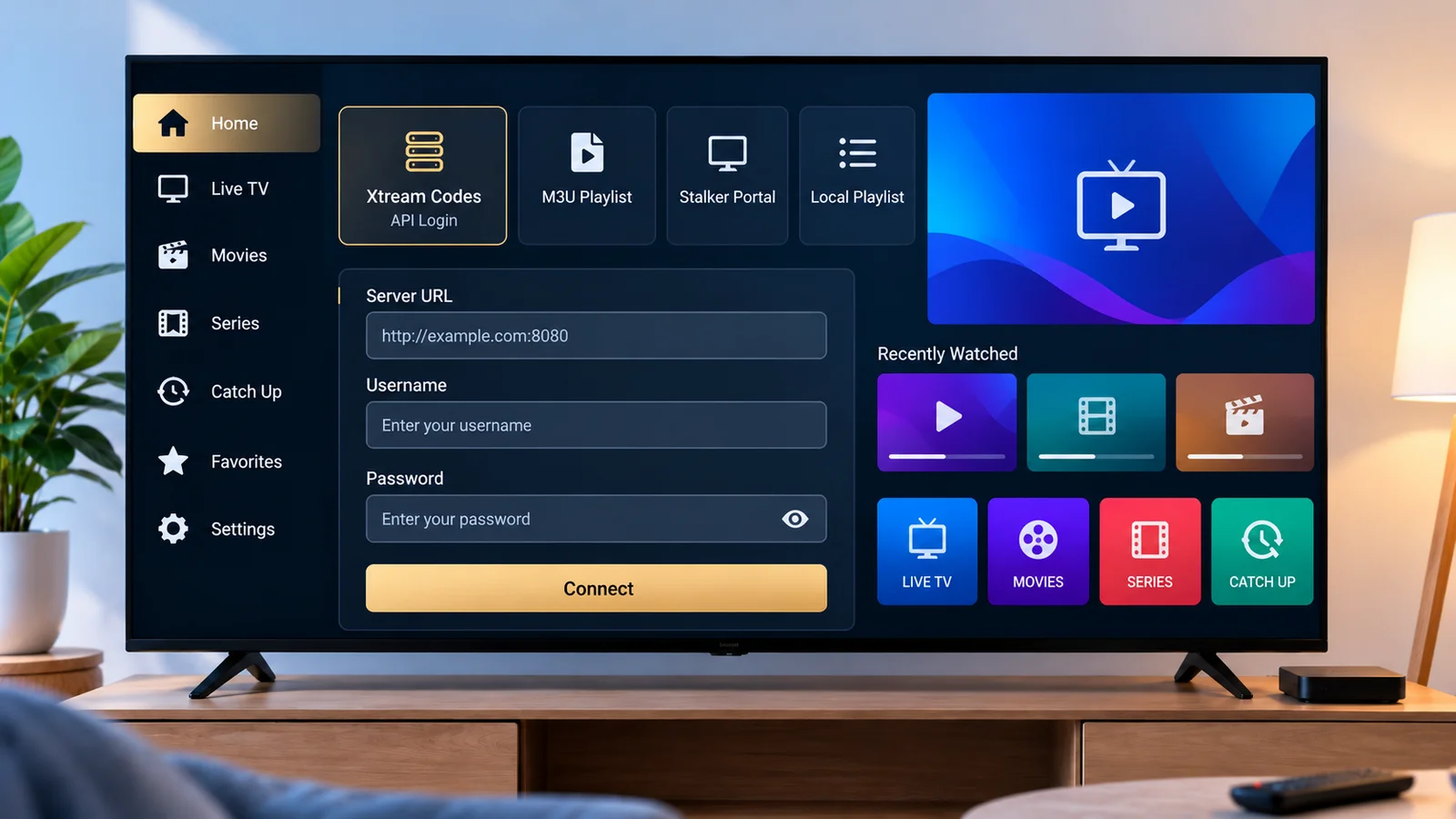
How to Set Up Xtream IPTV on IBO Player Pro
Several similarly named apps exist, so confirming you have the right one matters before anything else. Here's how to check, then how to connect.
Read article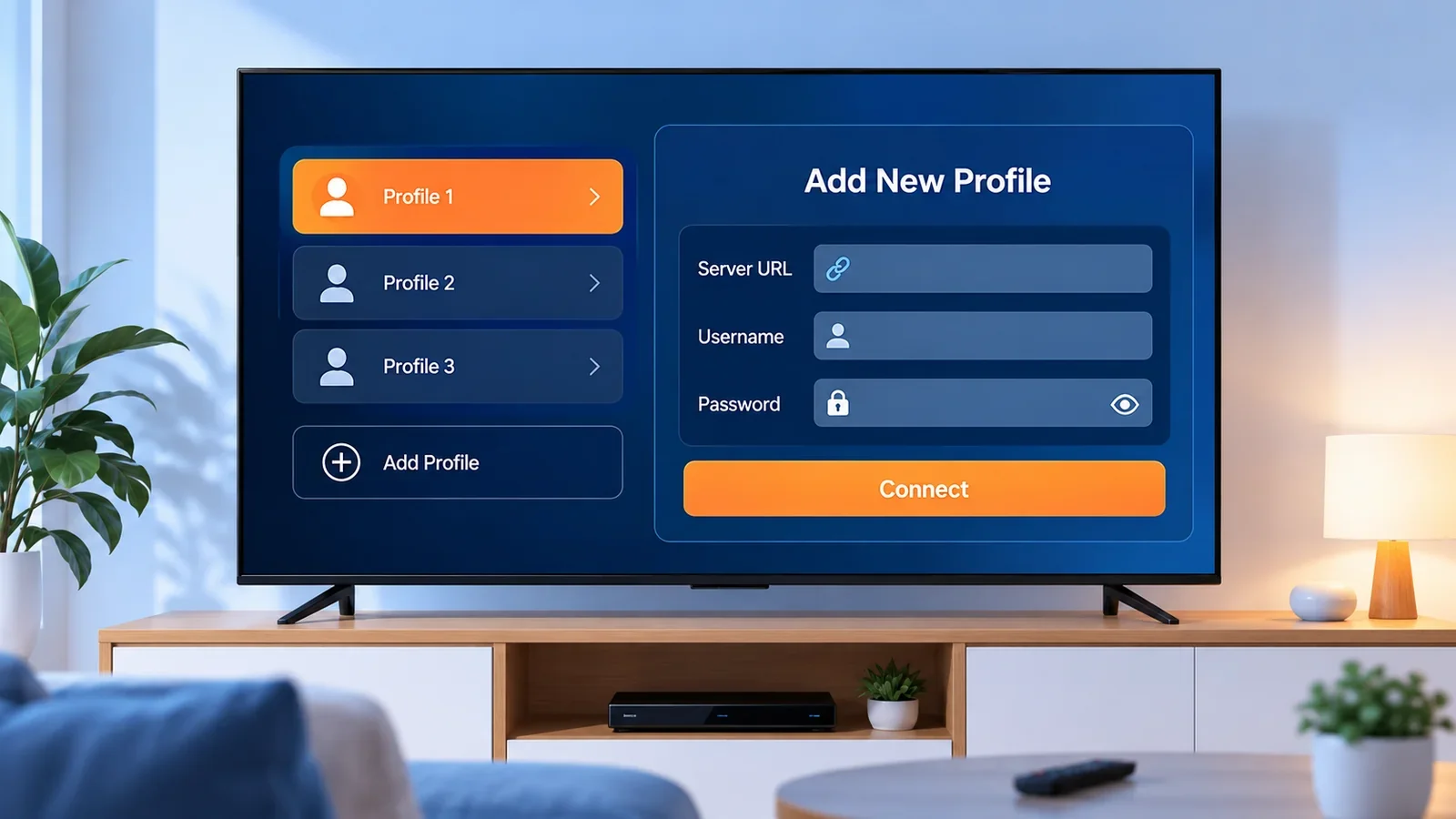
How to Set Up Xtream IPTV on IPTV Smarters Pro
IPTV Smarters Pro accepts both an Xtream Codes login and an M3U link. Here's where each one goes and what to check if the connection fails.
Read article
How to Set Up Xtream IPTV on TiviMate
TiviMate's free tier covers one playlist. Here's how to add a login, and what Premium — an upgrade inside the same app — actually changes.
Read article
How to Add an M3U Playlist to a Compatible Player
A playlist link is a simple file address. Here's what it is, how to add one to a compatible player, and what to check when it won't load.
Read article
How to Add Xtream Codes to an IPTV Player
An Xtream Codes login is three details from your own provider. Here's where each one goes, what to expect after it connects, and what to check if it doesn't.
Read article
How to Set Up IPTV in Kodi
Kodi's built-in IPTV client reads M3U playlists and XMLTV guides, not Xtream Codes logins. Here's how to set it up and what to check when it doesn't load.
Read article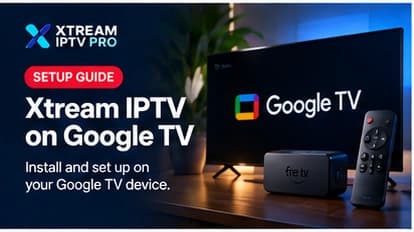
Xtream IPTV on Google TV: Setup Guide
Google TV shares its app ecosystem with Android TV, which makes setup mostly identical — with a couple of interface differences worth knowing.
Read article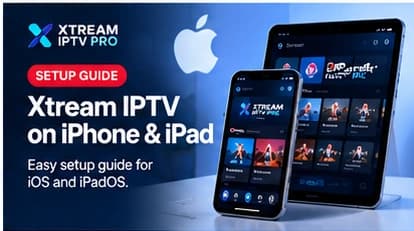
Xtream IPTV on iPhone and iPad: Setup Guide
iOS setup is App Store-only, but that makes it one of the more predictable platforms to get running. Here's what to expect.
Read article
Xtream IPTV on Roku: What's Actually Supported
Roku is more closed than Android-based platforms — no sideloading, no APKs. Here's what actually works instead.
Read article
Xtream IPTV on Android: Setup Guide
Android phones and tablets make setup fast thanks to the Play Store and a full keyboard — here's what to expect.
Read article
How to Set Up Xtream IPTV on Android TV
Android TV's open app ecosystem makes it one of the more straightforward platforms to set up. Here's what to know before you start.
Read article
Xtream IPTV on Apple TV: Setup Guide
Apple TV's closed app ecosystem means a different setup path than Android-based devices. Here's what's different.
Read article
How to Set Up Xtream IPTV on Fire TV
Fire TV's app store is more limited than Android TV's, which changes how you'll typically install a player. Here's what to expect.
Read article
How to Set Up Xtream IPTV on Smart TV
"Smart TV" covers several different operating systems, and that affects how — or whether — you can install a compatible player directly.
Read article
Xtream IPTV on Windows and Mac: Setup Guide
Desktop setup trades TV-remote quirks for keyboard convenience — but installation sources differ from mobile and TV platforms.
Read article