IPTV stands for Internet Protocol Television. It means television content is delivered using internet networking technology, rather than through a cable line or a satellite signal. The term describes a delivery method, not a single company, app, or service.
This article covers the general concept. For the specific connection format often used with compatible players, see What Is Xtream IPTV?.
How IPTV Works, at a High Level
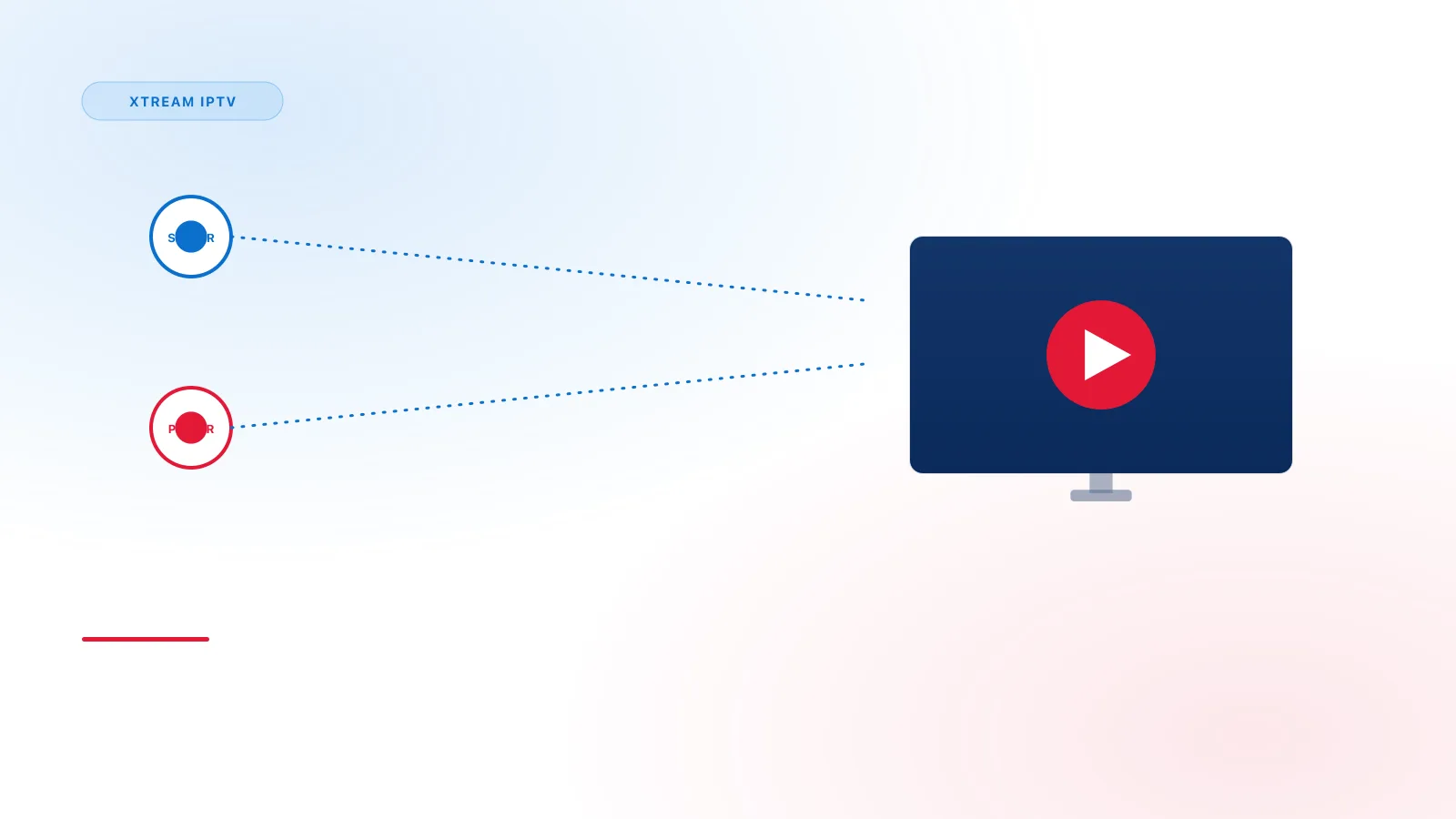
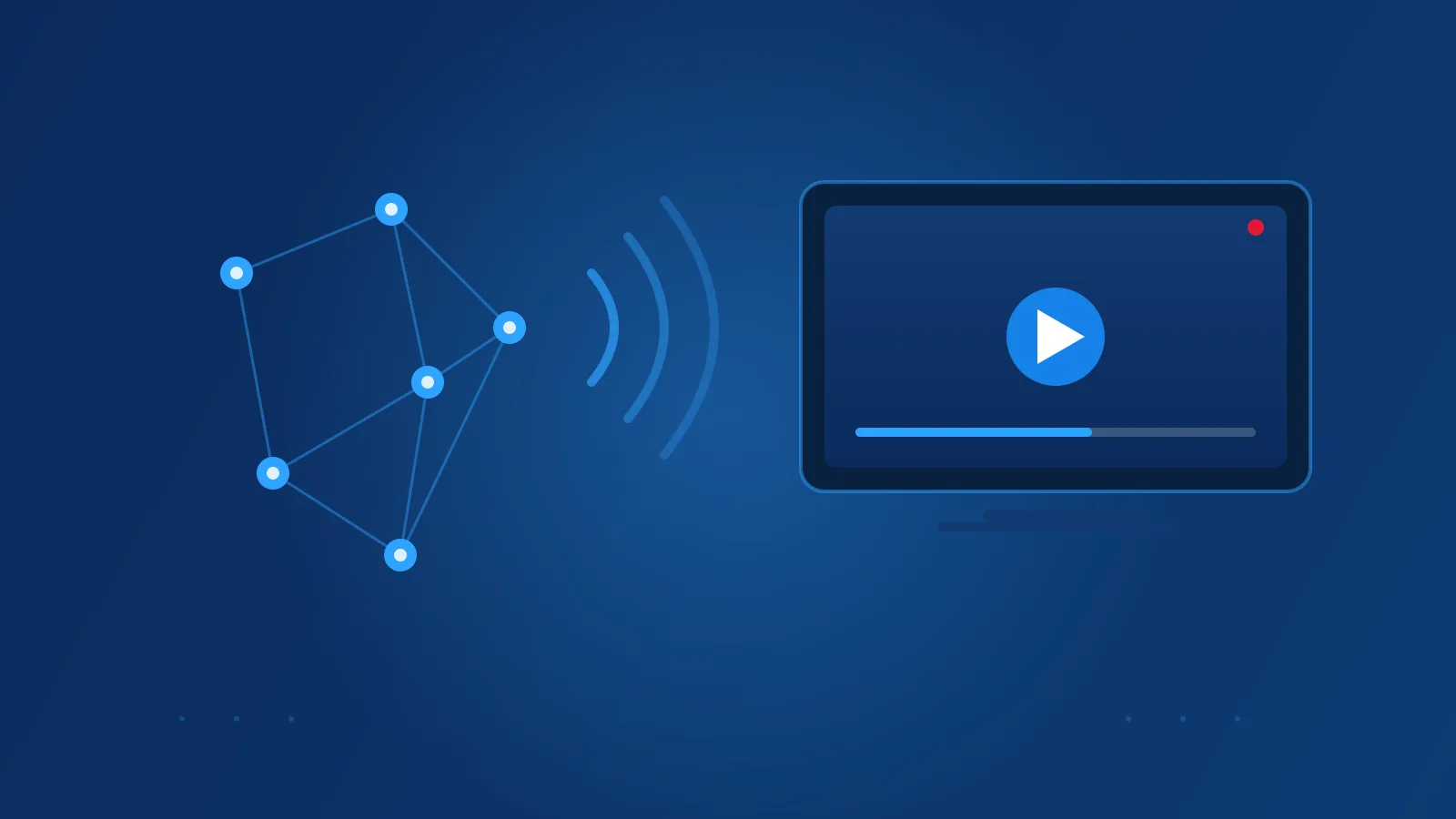
In a typical IPTV setup, the content lives on servers operated by a service provider. A compatible player app on your device asks the service for a channel or a title. The service then sends the video to the device over an internet connection, in small pieces called packets. The player puts the pieces back together, decodes them, and shows the picture.
Because the content is requested and delivered this way, the service can offer features that a traditional broadcast does not, such as pausing, rewinding, or choosing a title to watch at any time.
IPTV vs. Cable and Satellite
Cable and satellite deliver television through their own dedicated signals. Cable uses a wired network into the home. Satellite uses a dish that receives a radio signal from space. Both are broadcast systems: the same signal goes to everyone on that network, and your box tunes into the channel you choose.
IPTV uses an internet connection, so its performance depends on your home network as well as the provider's servers. That is the main practical difference: an IPTV setup relies on your internet connection in a way that cable or satellite does not.
- Cable reaches the home over a wired cable network, and its main dependency is that network. Equipment is usually a cable box.
- Satellite reaches the home as a radio signal received by a dish. It depends on a clear line of sight to the satellite. Equipment is a satellite receiver and dish.
- IPTV reaches the device over an internet connection. It depends on that connection and on the provider's servers. Equipment is a compatible player app on a device.
Neither method is inherently better for every household. Which one suits you depends on what is available where you live, your internet connection, and the equipment you already have.
Live TV vs. On-Demand Content
IPTV services commonly offer two kinds of viewing:
- Live TV is a channel streaming in real time, like a traditional broadcast. The guide shows what is airing now and what comes next.
- On-demand content is a movie or episode that you choose and play when you want. This is often called video on demand, or VOD.
Some services offer one, the other, or both. What is available depends on the service, not on the IPTV technology itself.
The Pieces of an IPTV Setup
A typical setup has several parts, and it helps to know which is which:
- The content source and provider. The provider supplies the channels or titles and operates the servers that deliver them.
- The player. This is the app on your device. It connects to the service and shows the content. A player has no channels of its own.
- The connection details. These are either a playlist link (see How to Add an M3U Playlist) or a server address with a username and password.
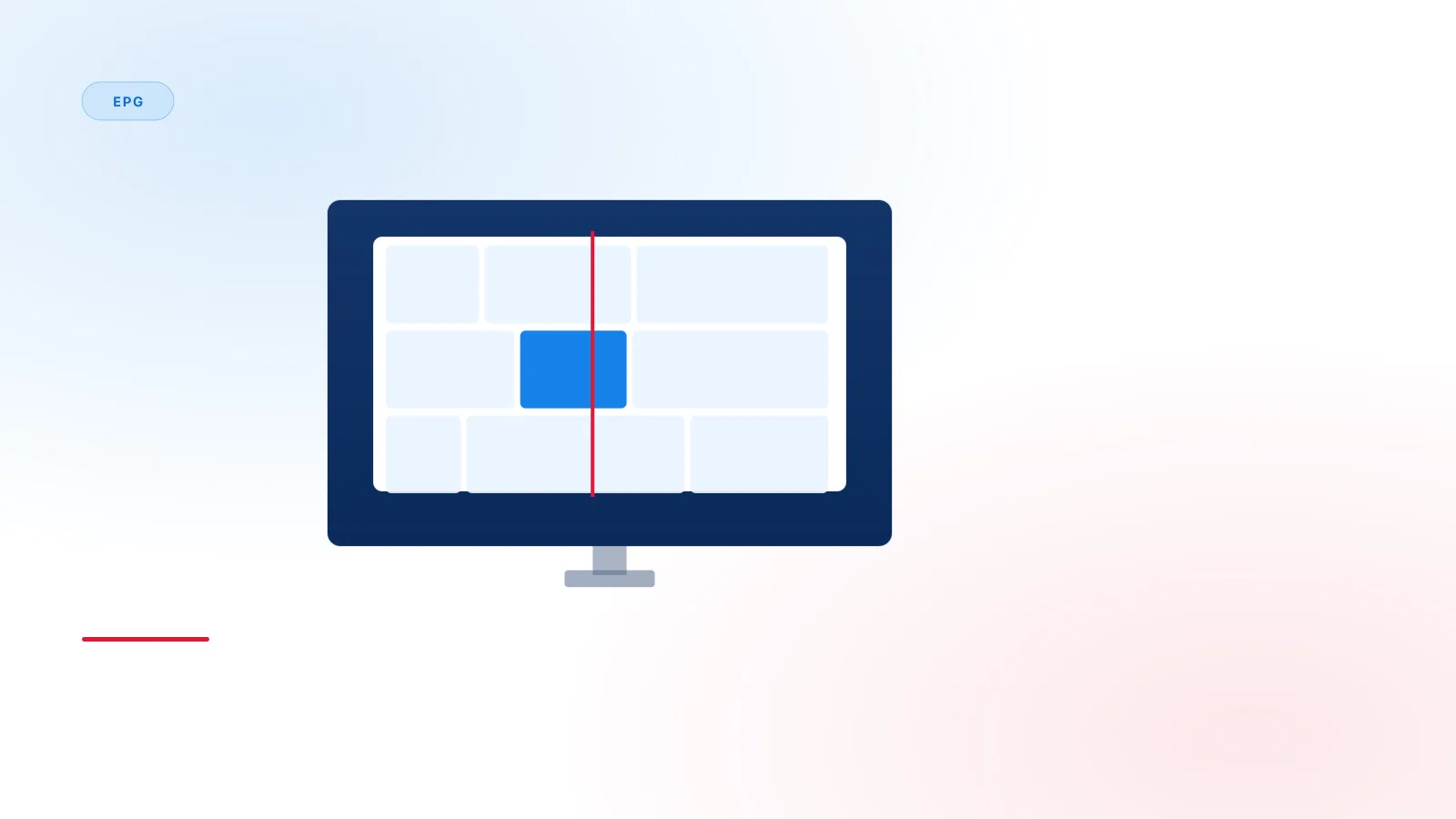
- The program guide (EPG). This is the schedule data. It is a separate data source from the channel list. See Xtream IPTV EPG Explained.
- Your device and network. The device must be compatible with the player, and the internet connection must be stable enough for the stream.
Playlists and Login Details, Conceptually
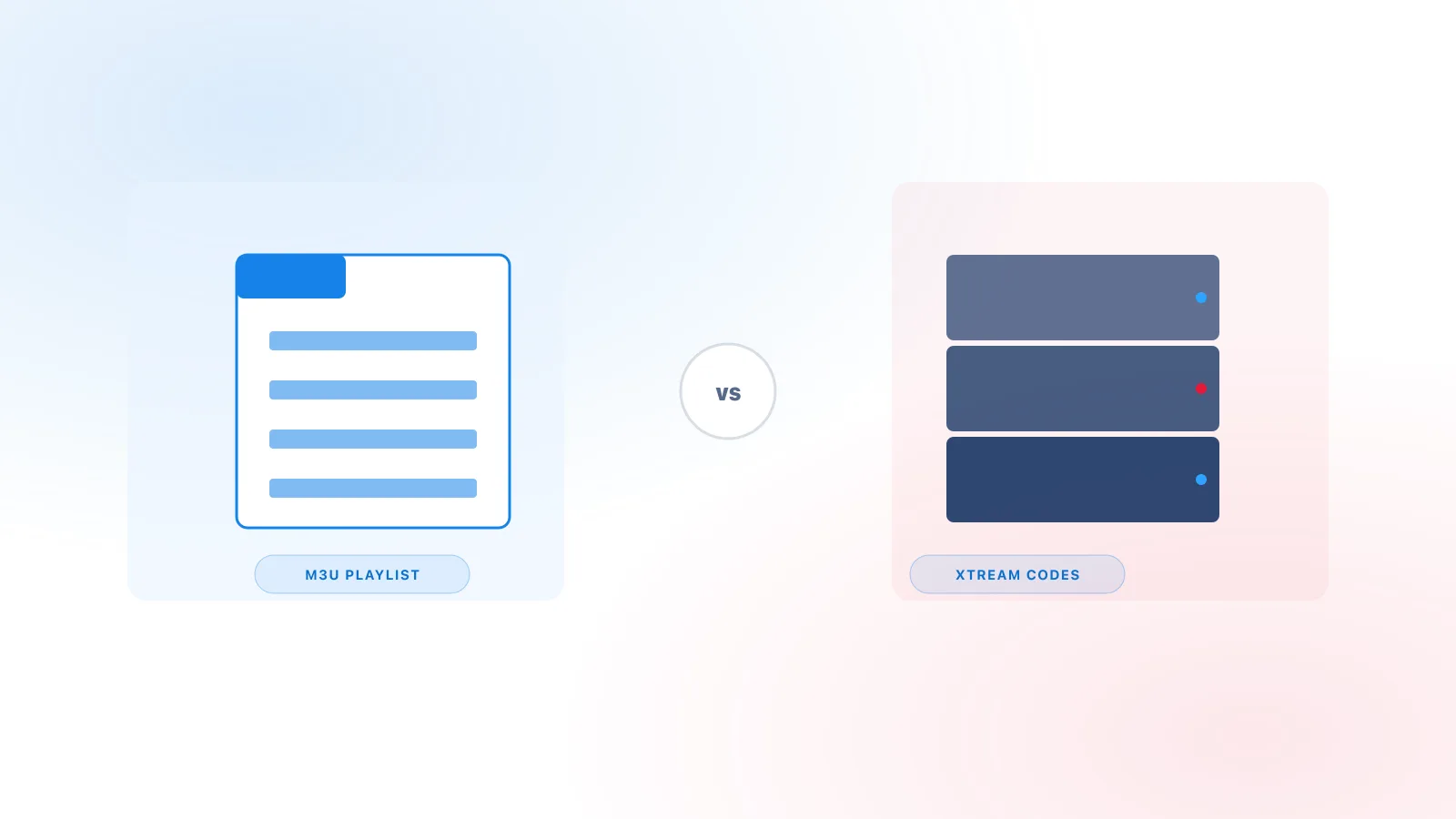
Players commonly connect to an IPTV service in one of two ways. A playlist connection points the player to a list of channels in a single file or link. An Xtream Codes-style connection uses a server address, a username, and a password, and the player asks the server for structured data. Both are ways of connecting; neither is itself a content source.
The differences between these two methods are explained in M3U vs Xtream Codes.
Compatible Devices
IPTV content is watched through a compatible player app on a device such as a smart TV, a streaming stick, a phone, a tablet, or a computer. Which apps are available depends on the device. Setup steps differ by platform, so check the device guides for the device you plan to use.
Network Considerations
Because IPTV depends on your internet connection, a few practical points matter:
- A stable connection matters more than a single speed number. Stream quality and the speed needed depend on the service and the stream.
- A wired connection is generally more consistent than Wi-Fi, where the device supports it.
- Other devices sharing the same connection can affect performance.
If you experience buffering or interruptions, see the troubleshooting guide.
Common Terms
- IPTV: television delivered over internet networking
- Provider: the party that supplies and operates the content servers
- Player: the app on your device that displays the content
- Playlist (M3U): a list of channels, usually in a text file or web link
- EPG: the electronic program guide, which shows schedule data
- VOD: video on demand, content you choose to watch at any time
- Xtream Codes: a connection format using a server address, username, and password
Legitimacy
Whether a particular IPTV service is authorized depends on whether it has the rights to the content it distributes. That is a question about the service's licensing, not about the technology. The IPTV delivery method itself is neutral: it can carry licensed content, and it can be misused.
Before relying on any service, ask the provider directly what content it is licensed to provide and where it is licensed to do so. This article does not evaluate any particular service.
Summary
IPTV is television delivered over internet networks instead of cable or satellite. A provider's servers send the content, and a compatible player on your device displays it. Live TV and on-demand viewing are both common. Playlists, login details, and guides are the parts that connect the player to the service. For the Xtream-specific side of this topic, read What Is Xtream IPTV?.