
If you've used a cable or satellite box, you're already familiar with the program guide — the on-screen grid showing what's currently playing and what's coming up next. IPTV players offer the same concept, called an EPG, but with a few important differences in how it's delivered.
What EPG Stands For
EPG stands for Electronic Program Guide. It's a data feed listing scheduled programs for each channel — titles, air times, and often short descriptions — that a compatible player displays as a browsable grid or list.
How Compatible Players Get EPG Data
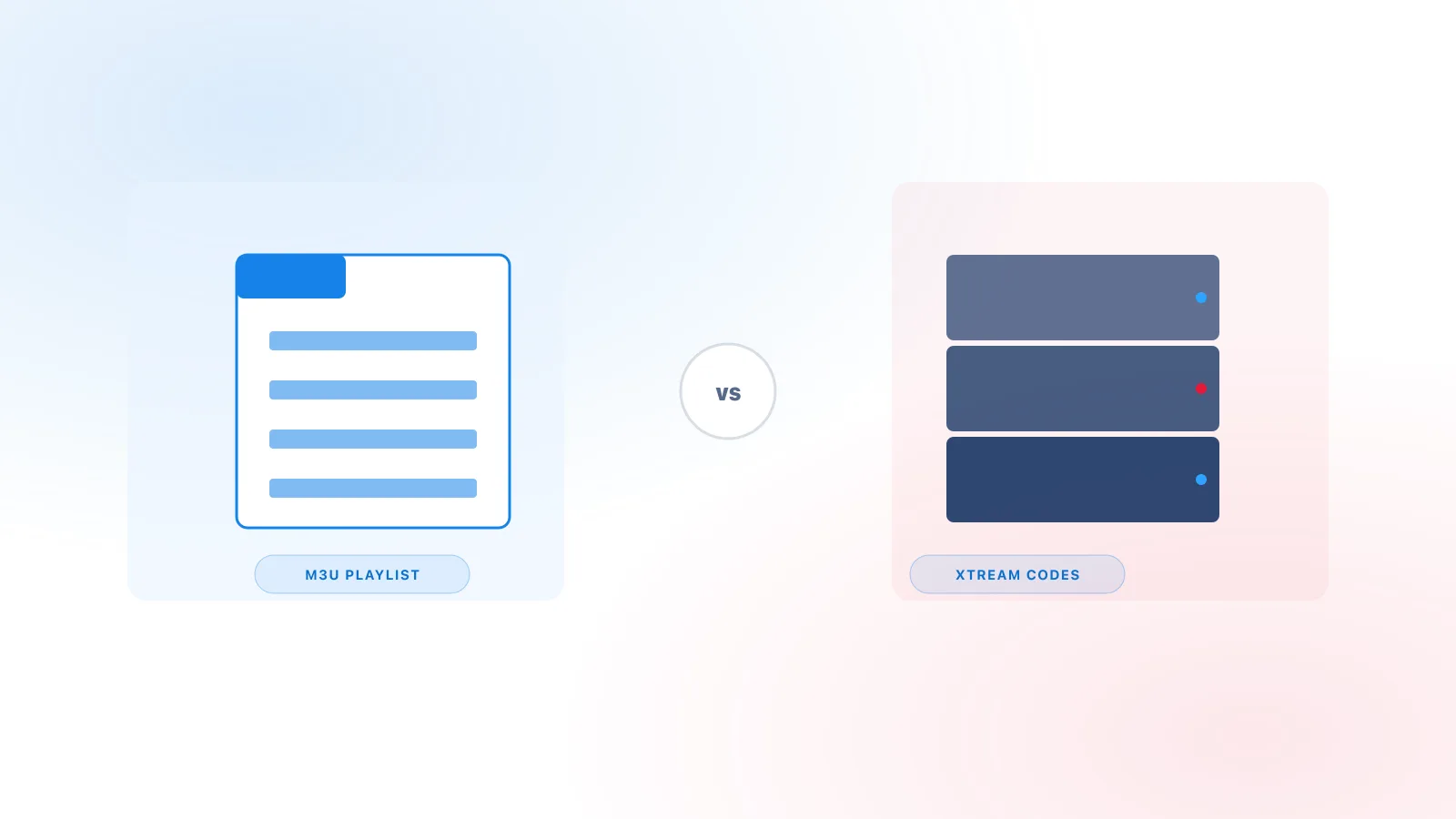
Unlike cable boxes, which receive guide data through the same broadcast signal as the channels themselves, IPTV players typically pull EPG data as a separate feed — often as an XMLTV file supplied by the same provider as your channel list. Whether EPG comes bundled automatically or needs a separate URL often depends on your connection method — see M3U vs Xtream Codes for that distinction. This is why:
- Channels can appear and load correctly while the guide is still empty or incomplete.
- Guide data sometimes updates on a different schedule than the channel list itself.
Not every service provider supplies EPG data at all. If your channels work but no guide ever appears, it may simply not be offered, rather than a setup problem.
How the Guide Is Displayed
Most players present EPG in one of two formats:
- Grid view — channels listed vertically with a horizontal timeline, similar to a traditional cable guide.
- List view — a simpler "now and next" list per channel, without the full timeline.
Which format is available depends on the player app, not the underlying data.
Common Reasons Guide Data May Be Missing
- Still loading — larger channel lists with full guide data can take several minutes to populate after first connecting.
- Provider doesn't supply it — as noted above, EPG is an optional feed, not a guaranteed feature of every service.
- Cache issue — some players cache guide data locally and need a manual refresh (often in Settings) if it becomes stale. Independent players such as TiviMate and IPTV Smarters Pro (see Xtream IPTV Player Explained), for example, each include their own "Clear EPG Cache" option in their settings menu — check your specific player's settings for the equivalent.
- Time zone mismatch — occasionally guide data displays with incorrect times if the player's time zone setting doesn't match your provider's feed.
Why Is My IPTV EPG Showing the Wrong Time?
A guide that loads but shows programme times that look off — everything one or more hours early or late — is a different problem than a guide that's empty or missing, and it usually comes down to one of a few possible causes rather than a single universal one.
Timezone mismatch is the most common starting point: EPG data is time-stamped by the provider's feed, and if that doesn't align with the timezone your device or player is actually configured for, every listed time can shift by the same consistent amount.
Some players also include an EPG offset or time-shift setting — a manual adjustment separate from the device's system clock. If your player provides one and the guide is consistently early or late by a fixed amount, that setting (where available) may be worth checking. There's no single correct offset value to enter; it depends on your specific timezone and, at certain times of year, whether daylight saving is in effect, which isn't handled identically everywhere.
It's also worth checking your device or player's date, time, and timezone settings directly. Most devices offer an automatic date/time/timezone option, and confirming it's enabled — rather than a manually set value that may have drifted or been set incorrectly — is a quick first step. Not every player reads or displays this information the same way, so the exact setting to check varies by app.
Finally, the issue isn't always local. The guide data itself can occasionally be the source — incomplete, stale, or containing incorrect timezone information at the source. This isn't something you can fix from your device, but it explains why the same timezone and clock settings can work fine for one provider's feed and not another's.
A simple way to narrow it down:
- Check your device's date and time.
- Check your device's timezone setting.
- Check whether your player has its own EPG or timezone-related setting.
- Refresh or reload the guide data.
- See whether the offset is consistent across every channel or only some.
- If none of the above resolves it, the guide data itself may be the cause.
When EPG Data Is Missing for Just a Few Channels
Sometimes the guide loads, the times are correct, and most channels show their program information normally — but one or a few specific channels show no guide data at all, or display information that clearly belongs to a different channel. This points to a different kind of issue than the timing problems covered above.
Behind the scenes, an EPG typically works by matching each channel to its guide information using some form of channel identifier, so the schedule data lines up with the right entry in your channel list. Exactly how that matching happens can vary between systems, but when a channel's identifier and its corresponding guide entry don't correspond correctly, the result can look like: a handful of channels with no guide at all while most others work fine, programme information that clearly doesn't match what's actually airing, or guide data that seems to belong to an entirely different channel. None of these symptoms guarantee this is the cause, since missing or incorrect guide data can also happen for the other reasons already covered above — but if the problem is isolated to specific channels rather than affecting the whole guide, this is worth considering.
This is a distinct issue from the timezone and offset problems described earlier. A timezone or offset problem shifts times for channels that otherwise have guide data. A channel-mapping issue can mean guide data is missing, incorrect, or attached to the wrong channel entirely, independent of whether the times themselves are correct.
If you run into this, it's worth checking whether the issue affects one channel or several, refreshing the guide data, and confirming the affected channel otherwise loads and plays normally. Depending on the player, there may be a setting related to channel or guide identification worth checking. If the issue persists only for specific channels after that, it likely points to something in the guide data itself rather than your device or settings.
Getting the Most Out of Your Guide
If your player supports it, look for a manual "refresh guide" or "update EPG" option in settings rather than waiting indefinitely. And if you're troubleshooting a guide that never appears at all, see our full troubleshooting guide for a broader checklist.
Related Reading
For a refresher on what a player actually does versus what your provider supplies, see Xtream IPTV Player Explained.